
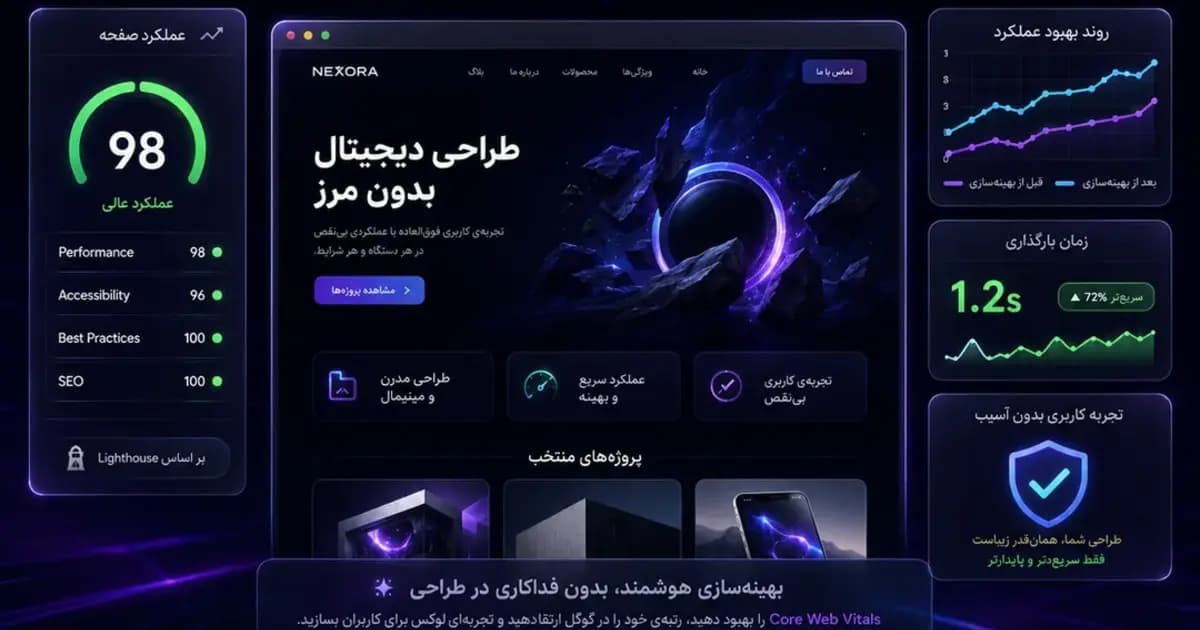
Optimization does not mean removing design
A premium site can use imagery, glow, blur and motion. The problem is placing oversized media, unused CSS or unnecessary JavaScript on the critical rendering path.
The objective is to deliver the same visual result with less transfer, better priority and controlled processing cost.
Start with the real LCP element
Identify the actual LCP element first. Hero media needs explicit dimensions, appropriate formats, accurate sizes and priority only when it is genuinely above the fold.
- Remove full-screen loaders
- Preload only critical assets
- Use local fonts
- Cache immutable media
- Do not lazy-load the LCP image
INP and client-side JavaScript
Every Client Component adds hydration work. Menus, forms and interactive tools need the client, while static content and cards can remain Server Components.
Global event listeners and scroll-driven DOM work should be minimized and scheduled carefully.
CLS and layout stability
Reserve space for images, fonts, form feedback and asynchronous content. Unexpected card resizing or late content insertion causes layout movement.
Protect performance with budgets
CI should enforce limits for CSS, public assets, hero media and Lighthouse categories so later changes cannot silently erase the gains.
Planning a serious digital product?
Share the current problem and expected outcome. We will suggest a practical architecture and phased delivery path.
Start a project